
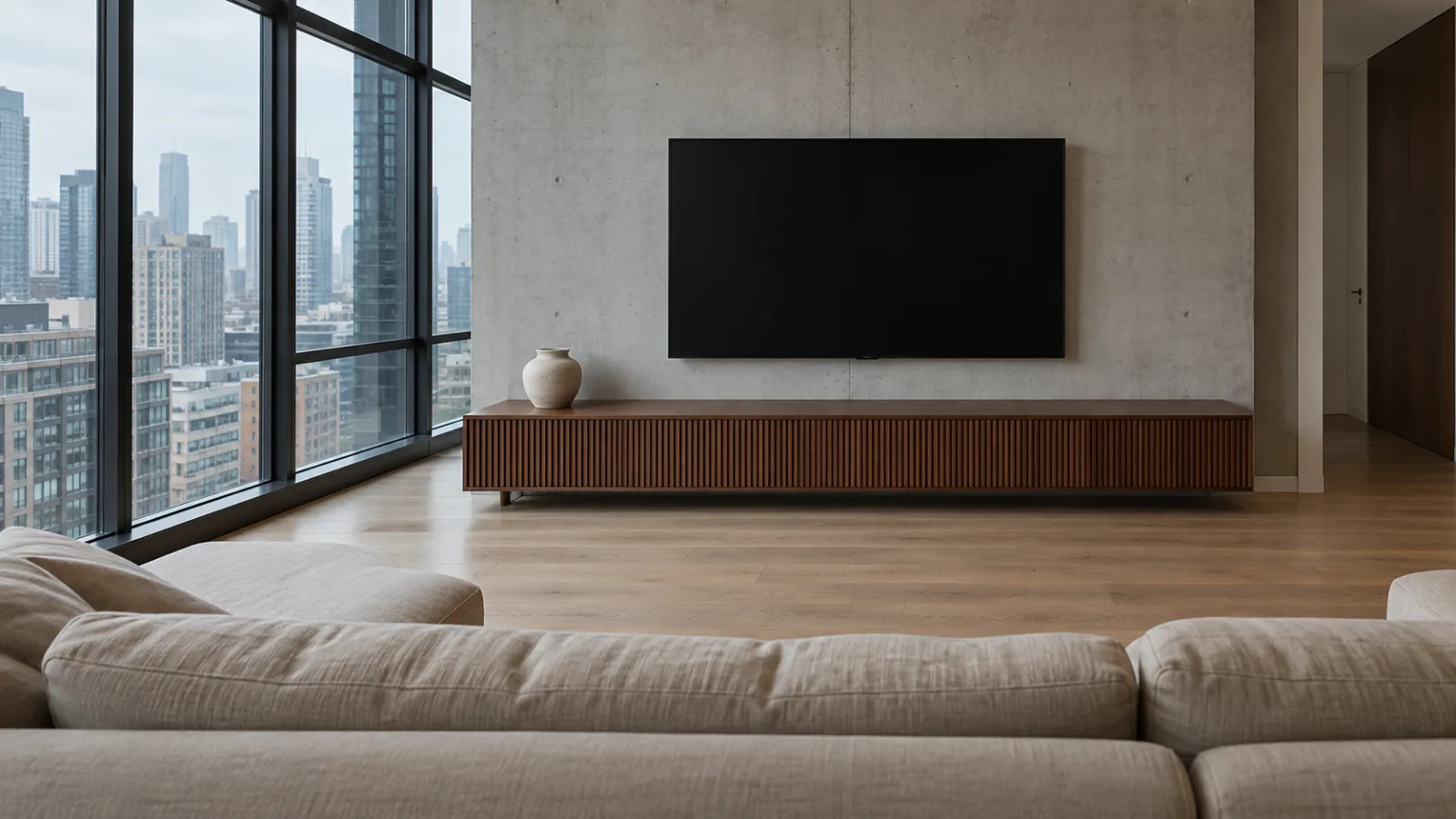
These TV wall ideas for the living room start with the parts most decorating guides skip: screen size, mounting height, the furniture underneath and the cables. Get those right, and the styling becomes the easy part.
When a TV wall goes wrong, it's usually in familiar ways. The screen hangs too high, it sits on a cabinet narrower than itself, and black cords drop down the wall to a power strip. No amount of decor fixes that.
Buying a TV or media unit? Start with sections 1 and 3. TV already up and the wall looks unfinished? Jump to sections 5 and 6.
In this article
- 1. TV Size for Viewing Distance
- 2. How High to Mount a TV in the Living Room
- 3. Media Console Ideas: Width, Depth and Height
- 4. Wall-Mounted or on the Console?
- 5. How to Hide TV Wires on the Wall
- 6. Make the Black Screen Part of the Room
- 7. TV Wall Decor Ideas
- 8. Four TV Wall Ideas by Style
- 9. TV Wall Ideas for Small Living Rooms and Rentals
- 10. Large Walls, Built-ins and Fireplaces
- Where to Start
- Frequently Asked Questions
1. TV Size for Viewing Distance
Choose the TV size from how far you sit, not from how big the room is. Measure from your usual seat to the wall and compare it with the table.
These ranges are based on two commonly cited viewing-angle references. THX suggests a screen that fills about 40° of your field of view for a cinema-style picture. SMPTE (the Society of Motion Picture and Television Engineers) gives 30° as a comfortable everyday reference (Kaleidescape). The SMPTE guideline has since been withdrawn but is still widely quoted. In practice, the closer distance feels immersive, the farther one relaxed, and anywhere between is reasonable.
| TV size (16:9) | Screen width | Screen height | Viewing distance (more immersive → more relaxed) | Media console width to start with |
|---|---|---|---|---|
| 50-inch | about 111 cm (44 in) | about 62 cm (25 in) | 1.5–2.1 m (5–7 ft) | 120–140 cm (47–55 in) |
| 55-inch | about 122 cm (48 in) | about 68 cm (27 in) | 1.7–2.3 m (5.5–7.5 ft) | 130–150 cm (51–59 in) |
| 65-inch | about 144 cm (57 in) | about 81 cm (32 in) | 2.0–2.7 m (6.5–9 ft) | 155–175 cm (61–69 in) |
| 75-inch | about 166 cm (65 in) | about 93 cm (37 in) | 2.3–3.1 m (7.5–10 ft) | 175–195 cm (69–77 in) |
| 85-inch | about 188 cm (74 in) | about 106 cm (42 in) | 2.6–3.5 m (8.5–11.5 ft) | 200–220 cm (79–87 in) |
TVs are sold by their diagonal in inches, so that's how sizes are labeled here. For furniture, the screen width matters more (section 3). Frames add a little, so check the product page.
Screens seen from several meters away in a big showroom tend to look smaller than they will at home. Tape a cardboard rectangle the size of the screen to your wall for a day before you commit.
2. How High to Mount a TV in the Living Room
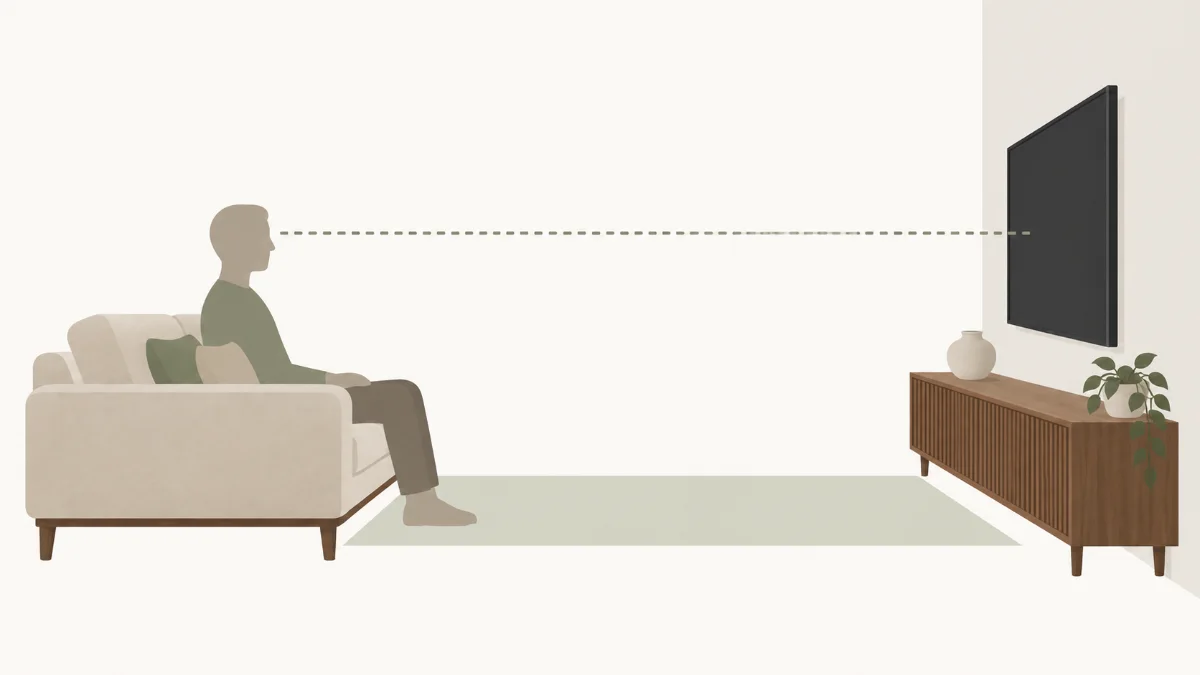
Put the center of the screen near your seated eye level. A commonly quoted reference is about 107 cm (42 in) from the floor, but your own eye height is the better measurement. Then work out the top and bottom edges from that center point.
A low, deep sofa puts your eyes lower than a firm, upright one. Seat heights are in the sofa buying guide. So sit where you normally watch, and have someone measure from the floor to your eyes. That number beats any generic figure.
The mistake is lining up the top or bottom edge with something that "looks right" on an empty wall. That pushes a big screen's center well above your eyes. Here's the math for a 65-inch TV with its center at 107 cm (42 in). The screen is about 81 cm (32 in) tall, so the bottom edge sits at roughly 66 cm (26 in) and the top at about 147 cm (58 in). That bottom-edge height also matters for the furniture. Whatever sits under the TV, soundbar included, needs to stay below it.
3. Media Console Ideas: Width, Depth and Height
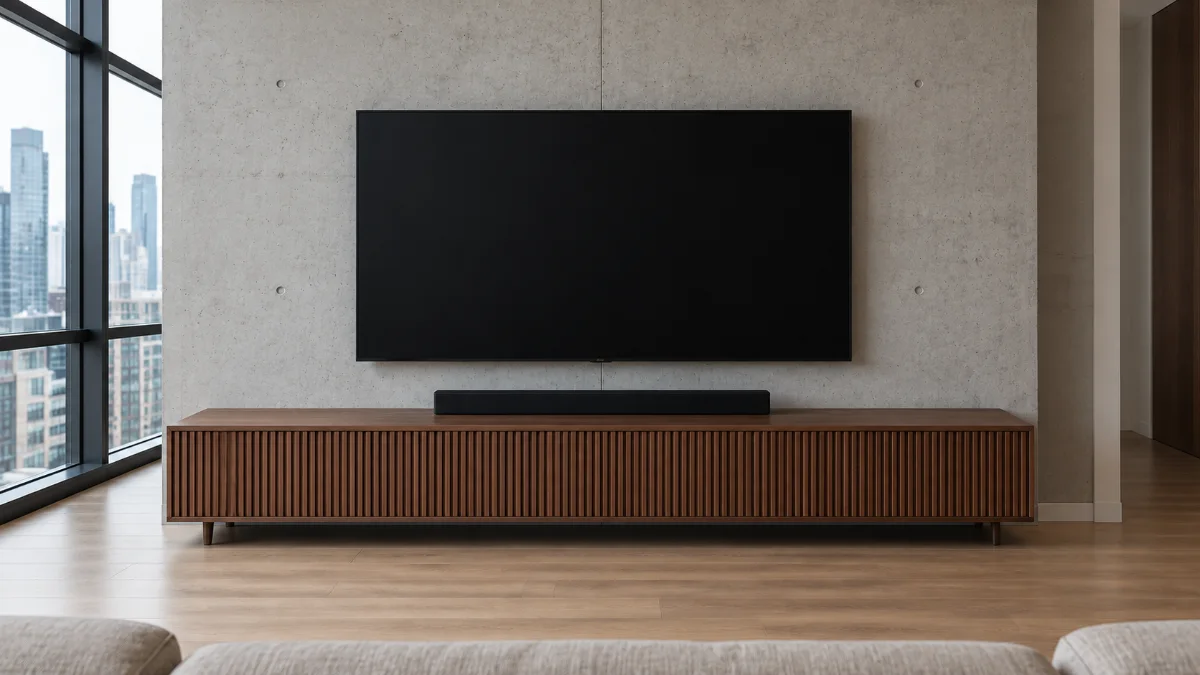
A media console about 5–15 cm (2–6 in) wider than the TV's actual screen width on each side is a useful starting point. Furniture makers quote figures across that range, and the room and console design can justify a little more or less.
The extra width gives the screen a balanced base rather than a top-heavy one, plus room for a lamp, plant or speaker. For a TV standing on its feet, it also reduces overhang.
A few other measurements are worth checking before you order:
- Depth. Enough for your router or game console, plus cables behind.
- Height. Below the screen's bottom edge if the TV is mounted. Low enough to keep the screen near eye level if it stands on top.
- Foot spacing. Some TVs have feet near each end. Check they fit.
- Load rating. Enough for the TV plus everything on it.
Use the anti-tip strap that comes with most consoles. The US Consumer Product Safety Commission recommends anchoring TVs and furniture to the wall, and placing a TV only on furniture designed to hold one (CPSC Anchor It!).
4. Wall-Mounted or on the Console?
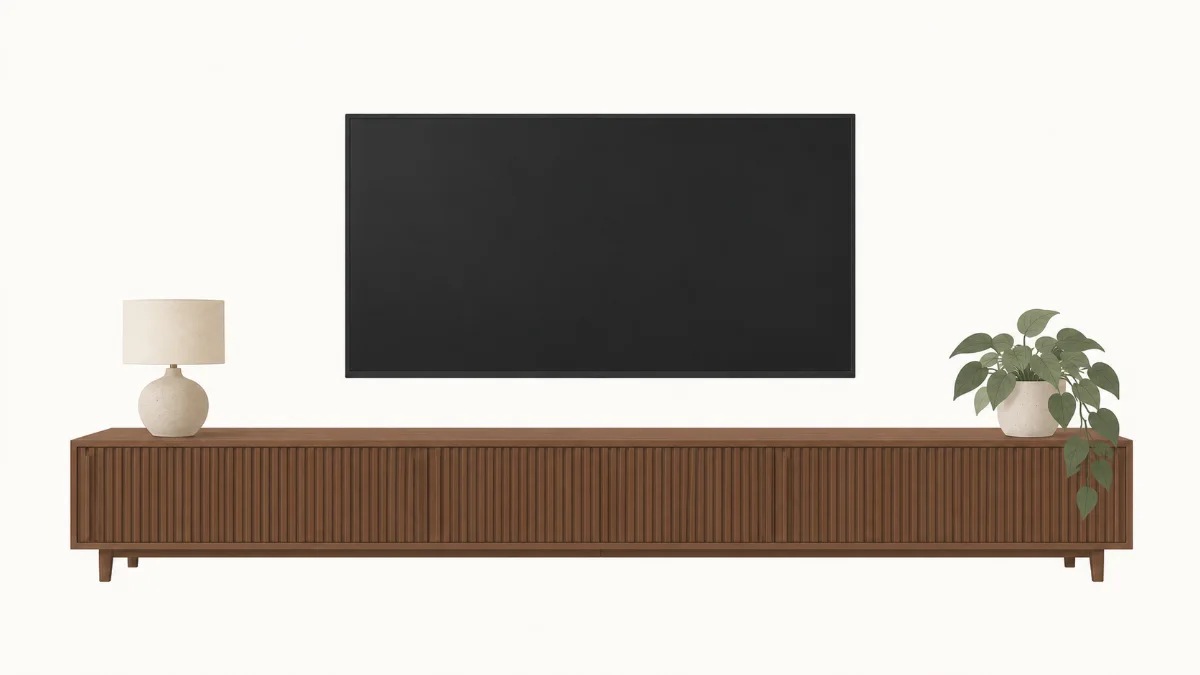
A wall-mounted TV isn't always the better choice. The decision comes down to your walls, how long you'll stay, and how much drilling you'll accept.
Wall-mounted TV
- Pros: cleaner look, frees the console top, easier to position precisely, keeps the TV off the furniture.
- Cons: needs a solid fixing and a cable plan, and leaves holes if you move it.
TV on the console
- Pros: no drilling, easy to change, suits traditional and vintage rooms.
- Cons: the console must be the right width and height, the TV still needs anchoring, and cables show unless the back is closed.
Renters usually default to the console. Stud walls make mounting fairly simple. Concrete apartment walls and old brick or plaster need the right anchors, and often a professional installer.
5. How to Hide TV Wires on the Wall
HDMI, Ethernet and optical cables can usually be hidden inside the wall or in a paintable channel. Treat the TV's power cord separately. A standard TV power cord or extension cord shouldn't be concealed inside a wall.
In the US, NEC 400.12 restricts concealed use of flexible cords. Other countries have their own wiring rules. For permanent electrical work, use a qualified electrician and an approved in-wall power solution.
- In-wall routing. On a stud wall, low-voltage cables run through the cavity between two pass-through plates. For power, an in-wall power relocation kit adds a recessed outlet behind the TV, fed by in-wall-rated cable. It's the cleanest result.
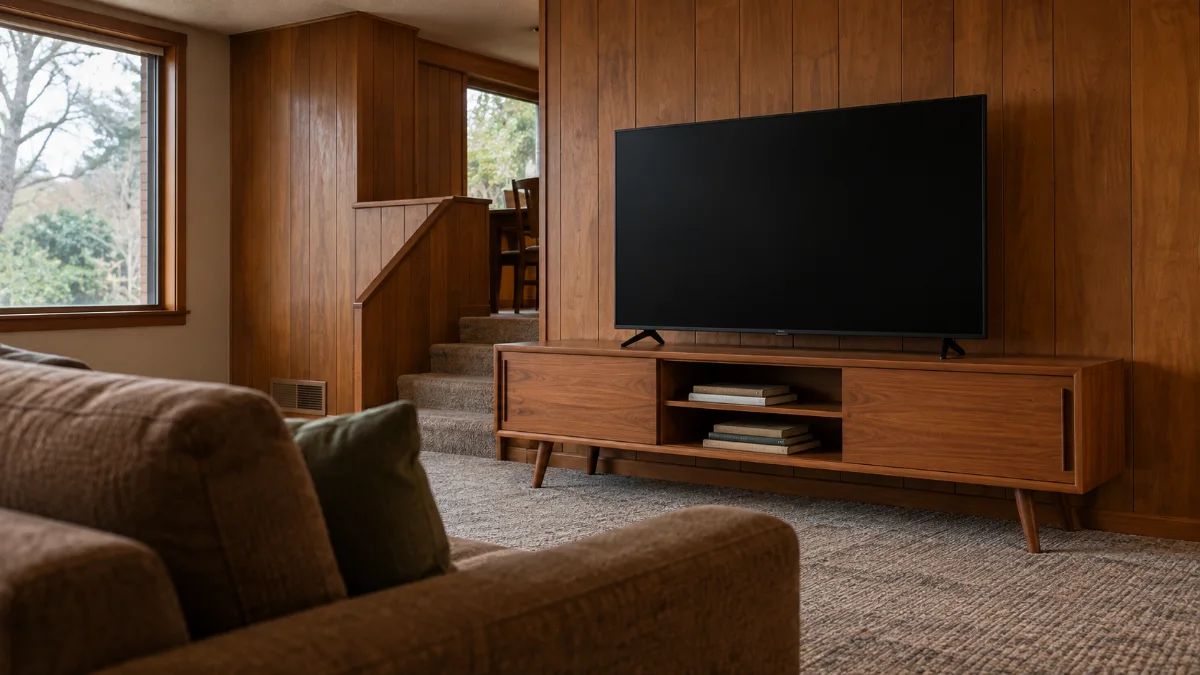
- A surface raceway. A slim, paintable cable channel from the TV down to the console, painted to match the wall. It's often the practical choice when you don't want to open the wall, especially on concrete.
- Behind the console. With a low TV, cables can drop straight behind a console with a closed back or cutouts.
- Inside the console. A cabinet with rear openings hides routers and power strips. Leave ventilation around electronics, rather than sealing heat-producing equipment into a fully closed cabinet.
6. Make the Black Screen Part of the Room
Switched off, a TV is usually the darkest object in the room. On a white wall, it can look like a hole.
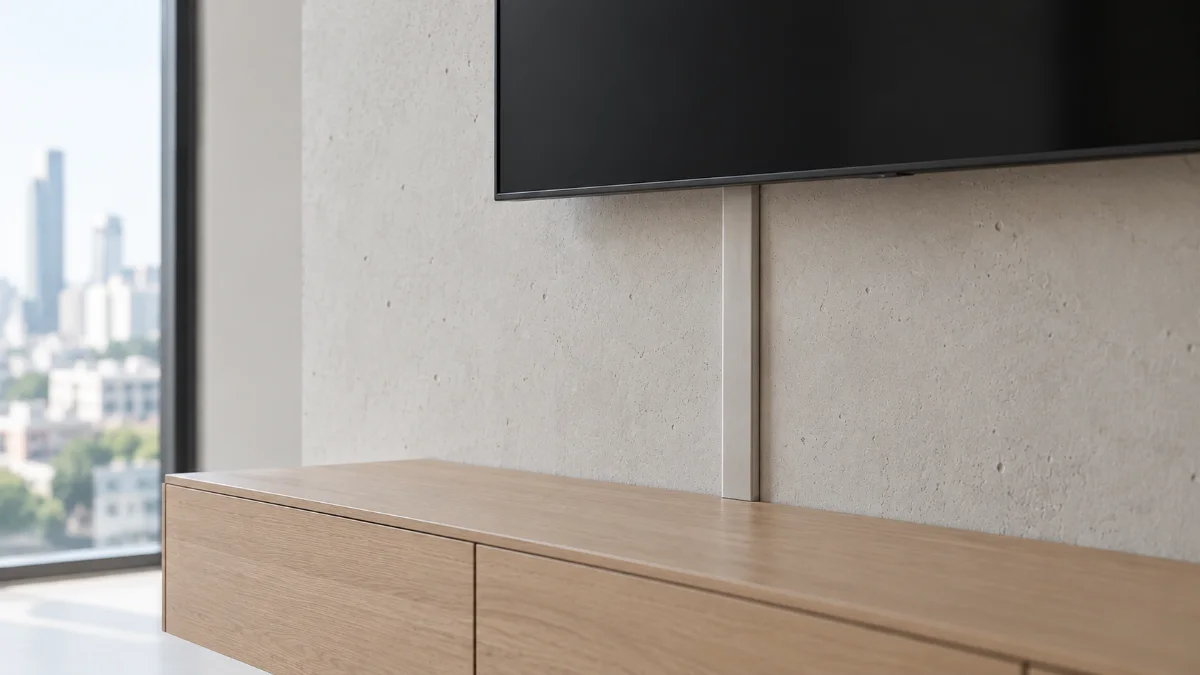
The simplest fix is a darker wall. Deep charcoal, chocolate brown or ink green behind the screen tends to help the black rectangle blend in, balanced with wood and cream upholstery. The trade-off is that a dark wall can make the room feel smaller in daylight. So it suits bright rooms, or ones used mostly in the evening. Testing paint is covered in the living room color schemes guide.
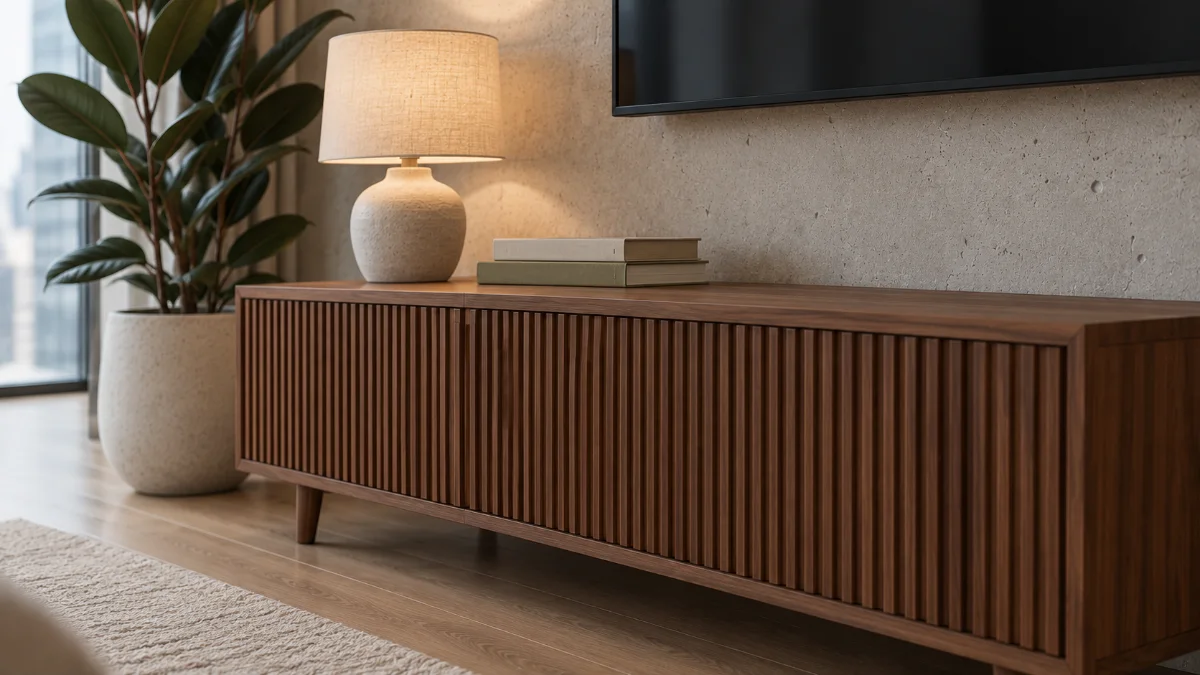
Wood helps too. A walnut or teak console gives the screen a warm base, and a fluted front adds texture without adding objects. Vertical wood slat panels behind the screen can do the same job across the whole wall. Our wood slat wall ideas article covers sizing, cables and installation.
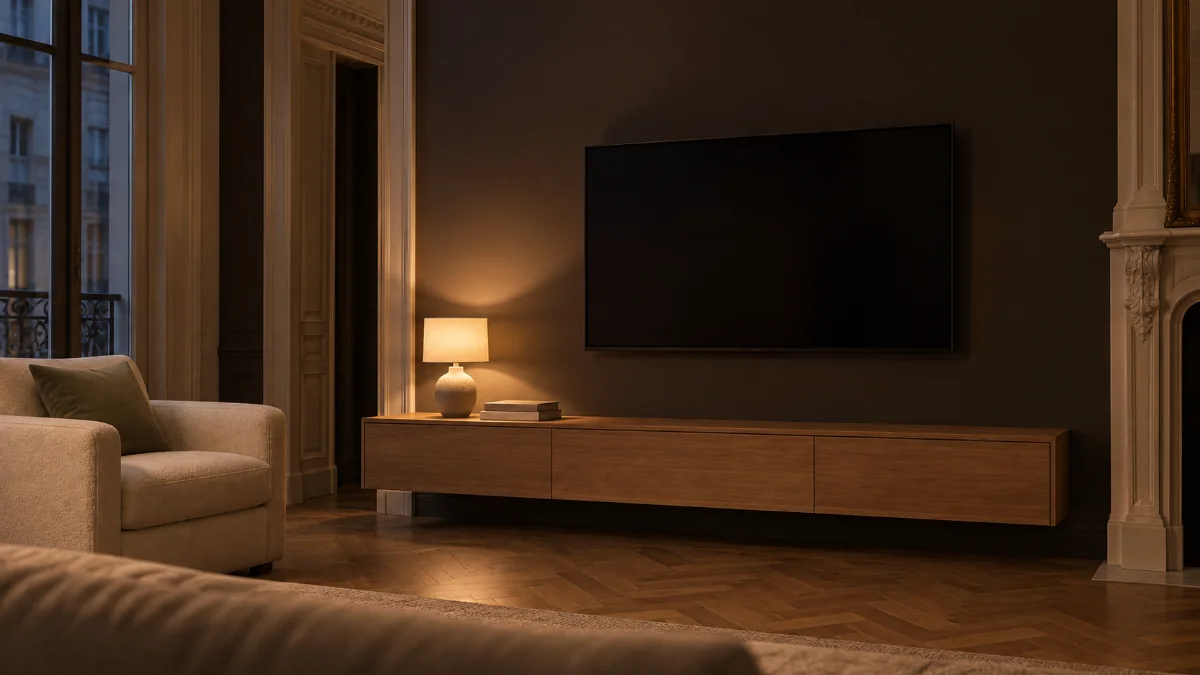
At night, a lamp at one end of the console or soft light behind the screen can make the area feel less like a dark void. Bulbs and placement are in the living room lighting guide.
7. TV Wall Decor Ideas
The usual mistake is filling every gap around the screen with small frames and floating shelves. Once the TV is on, all of it competes with the picture.
One or two larger pieces tend to work better. A tall plant, floor lamp or slim bookcase beside the unit gives the TV something vertical to relate to. On the console, a lamp, a few books and one ceramic piece are usually enough. Keep tall items clear of the remote sensor.
Art usually works better on a nearby wall, or well to one side, at a scale that holds its own next to the screen. Shelves above the TV need clear space below them, or the wall looks stacked.
Closed storage often helps more than decor, hiding controllers and remotes. Open versus closed storage is covered in the guide to living room storage ideas.
8. Four TV Wall Ideas by Style
These are starting points, each built from a console, a wall and one or two supporting pieces. The dark-wall look is in section 6.
Fluted walnut and concrete
A long fluted walnut console under a wall-mounted TV, against a plain or concrete-look wall, styled with ceramic, books and one plant. It suits modern apartments.
Light oak and warm white
A pale oak console on a warm white wall, with a woven basket and a large plant. It fits Scandinavian and Japandi rooms, though the screen stands out more.
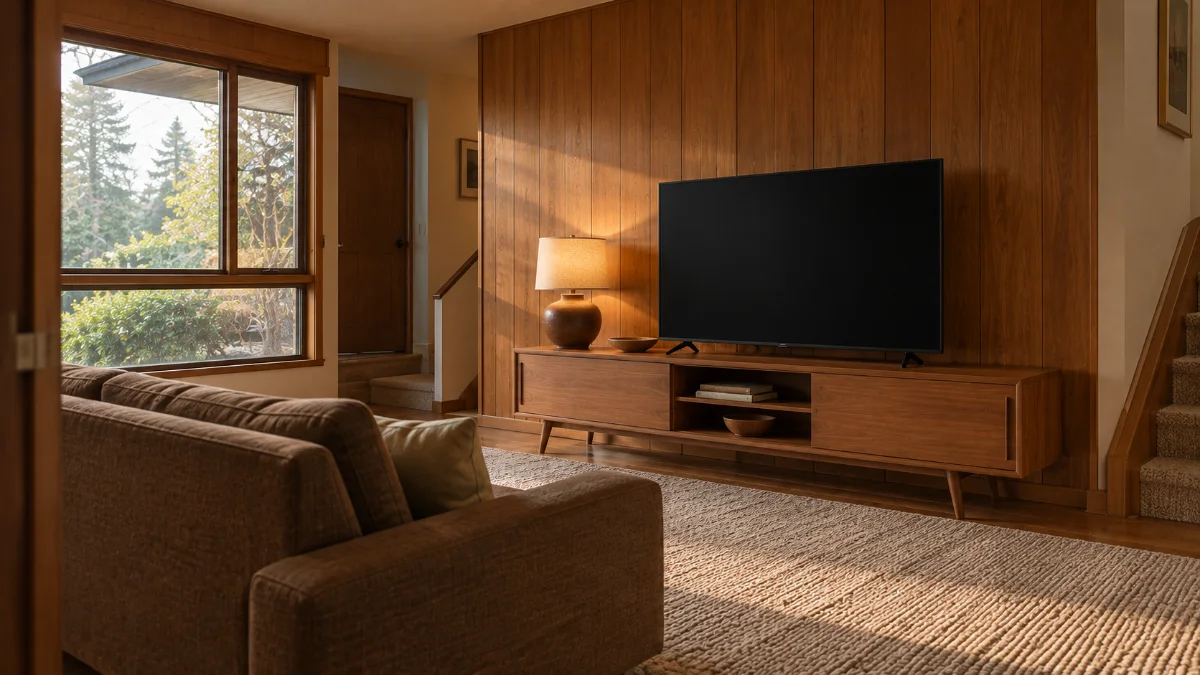
1970s warm wood
A low teak or walnut console with tapered legs, earthy colors, a textured rug and a big ceramic lamp. It suits older houses with existing wood paneling or trim.
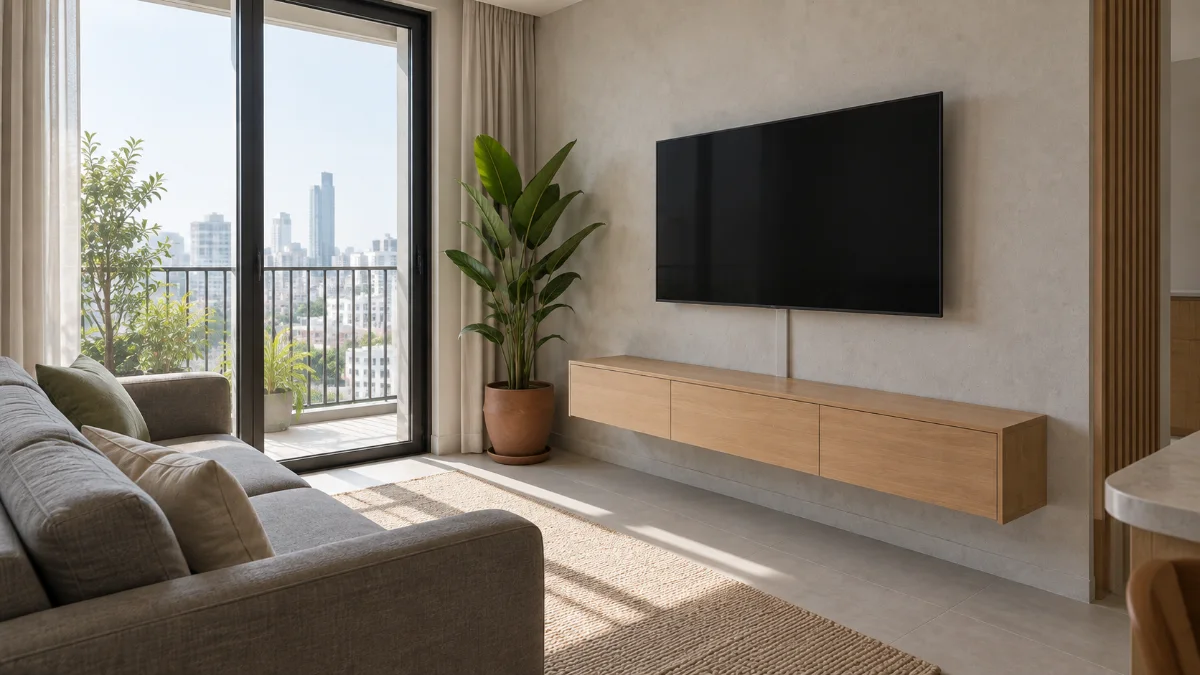
Minimal floating unit
A slim wall-hung console with floor showing underneath and little else on the wall. The proportions do the work.
9. TV Wall Ideas for Small Living Rooms and Rentals
In a small living room, choose a shallow or floating console, and keep the TV wall to four things: the screen, a low unit, one vertical piece and a light. Make sure the console doesn't squeeze the walkway. Widths are in how to arrange living room furniture, which also covers placing the TV to avoid window glare. A floating unit shows more floor but holds less than a full cabinet. For apartment-size furniture, see the small condo living room guide.
For renters, stand the TV on a console, anchor it with the strap, and run the cords down the back. If it's already mounted, a stick-on raceway can hide the cords. Test the adhesive on a hidden spot of paint first. For more changes you can undo when you move out, see our renter-friendly living room ideas article.
10. Large Walls, Built-ins and Fireplaces
A big wall has the opposite problem. Even a large TV can look stranded on 4 or 5 m (13 or 16 ft) of paint, and viewing distance still matters more than wall size when you're choosing the screen.
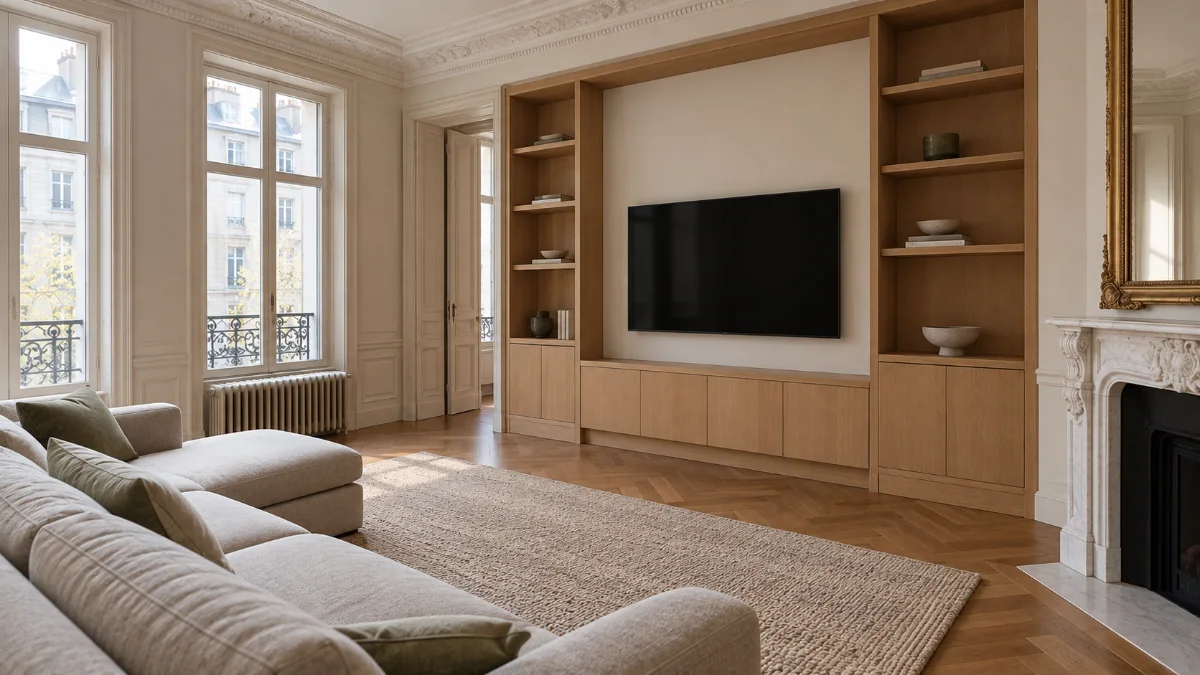
Widen the composition instead. A long console adds horizontal weight, and cabinets on either side turn the wall into one piece of furniture. The TV doesn't have to be centered on the wall either. Center it on the seating, then balance the other side with a tall cabinet or plant.
Fireplaces are the hard case. A TV above one usually sits well above eye level, and some fireplaces send heat up the wall, so check both manufacturers' guidance first. A pull-down or tilting mount helps. Often the cleaner answer is to give the fireplace and the TV different walls, or to use an alcove beside the fireplace.
Where to Start
A TV wall is mostly a measuring job. Size, height and console width do more for how it looks than any amount of styling, and the cables are easiest to solve before anything goes up.
Start here: sit on your sofa, measure your eye height and the distance to the wall, then tape a cardboard rectangle the size of the TV you're considering at that height. Live with it for a day before you drill or buy.